GoFax New Features Updates for Fax & SMS
With the help of feedback from our customers, we've released new updates for the GoFax platform for both fax and SMS.
New Features for Fax and SMS
With the help of feedback we've received from our customers, our team have been hard at work researching and creating new updates for the GoFax platform for both fax and SMS. Check out the full list of new features available to you now on GoFax below.
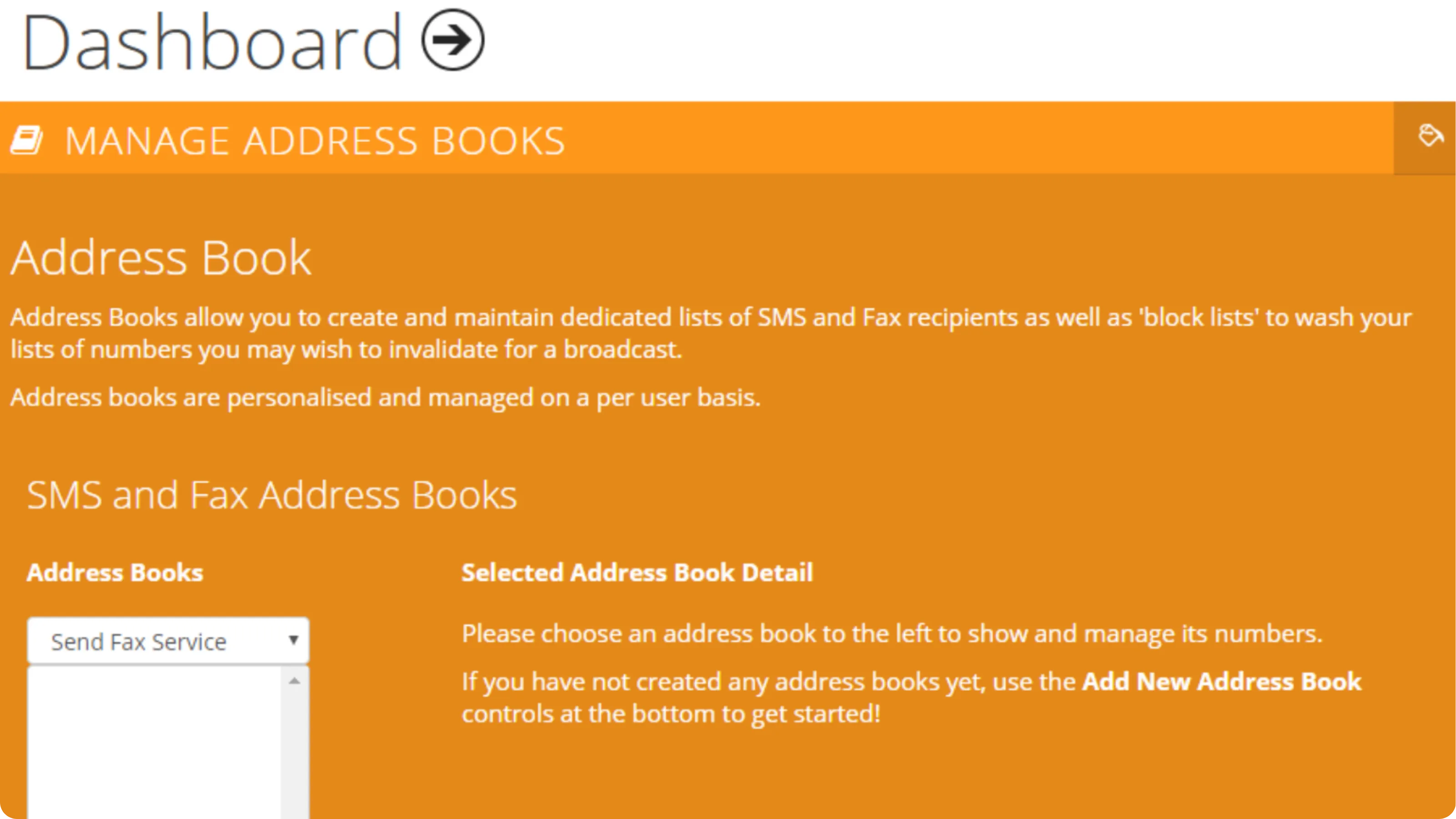
Address Book (Beta Version)
Save your fax and SMS client list online and easily send by selecting the address book you want to use, entering your message and sending.
To get started, log in and go to My Settings > Manage Address Books.
SMS Mail Merging Function (Beta Version)
Personalise SMS to your clients by inserting mail merge fields such as first name, last name and company.
You'll find this under Send SMS Service > Send SMS Using Mail Merge.
SMS Templates (Beta Version)
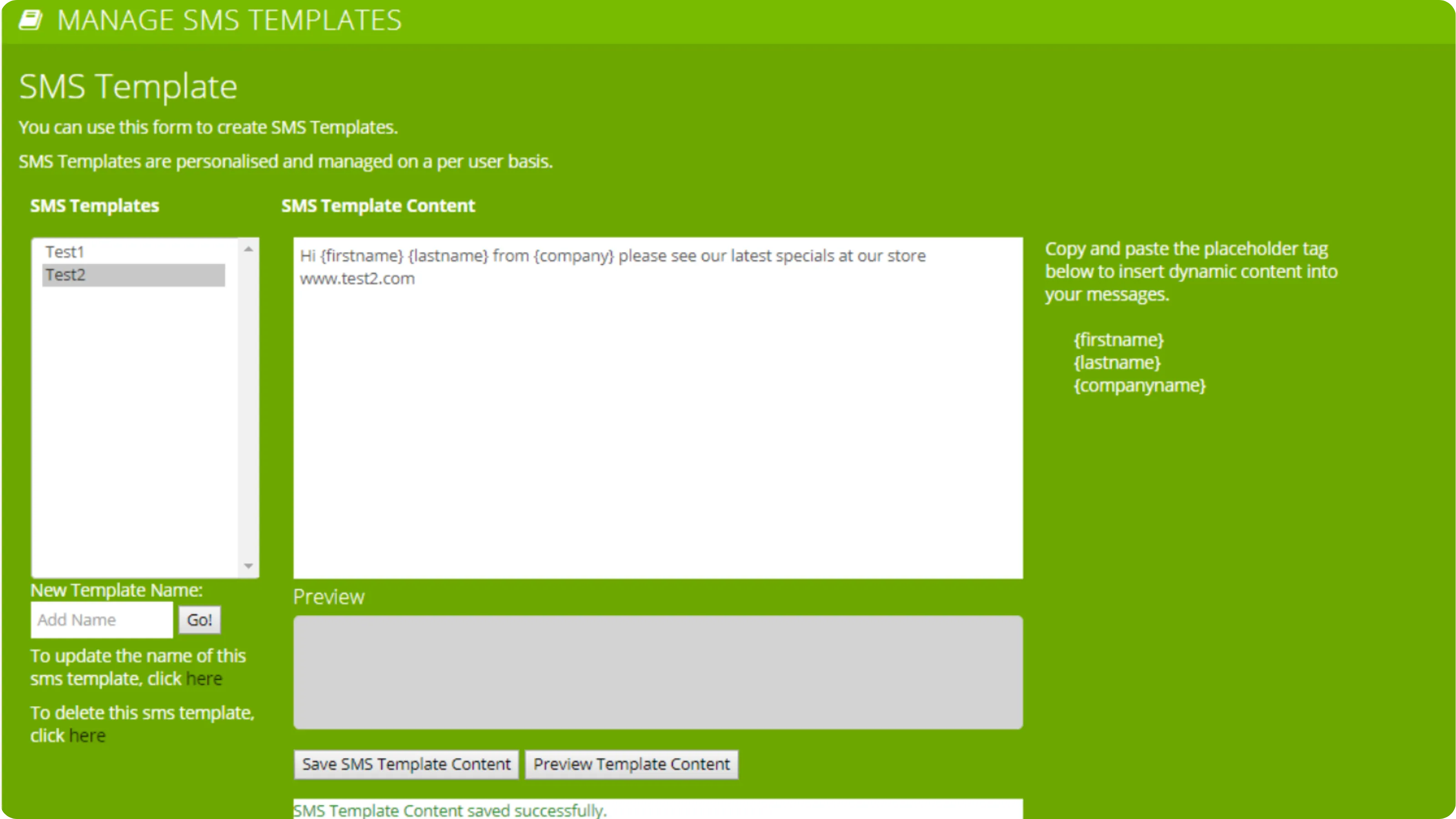
Save SMS templates online to easily send to a list of numbers or a database stored online.
2FA (Two-Factor Authentication)
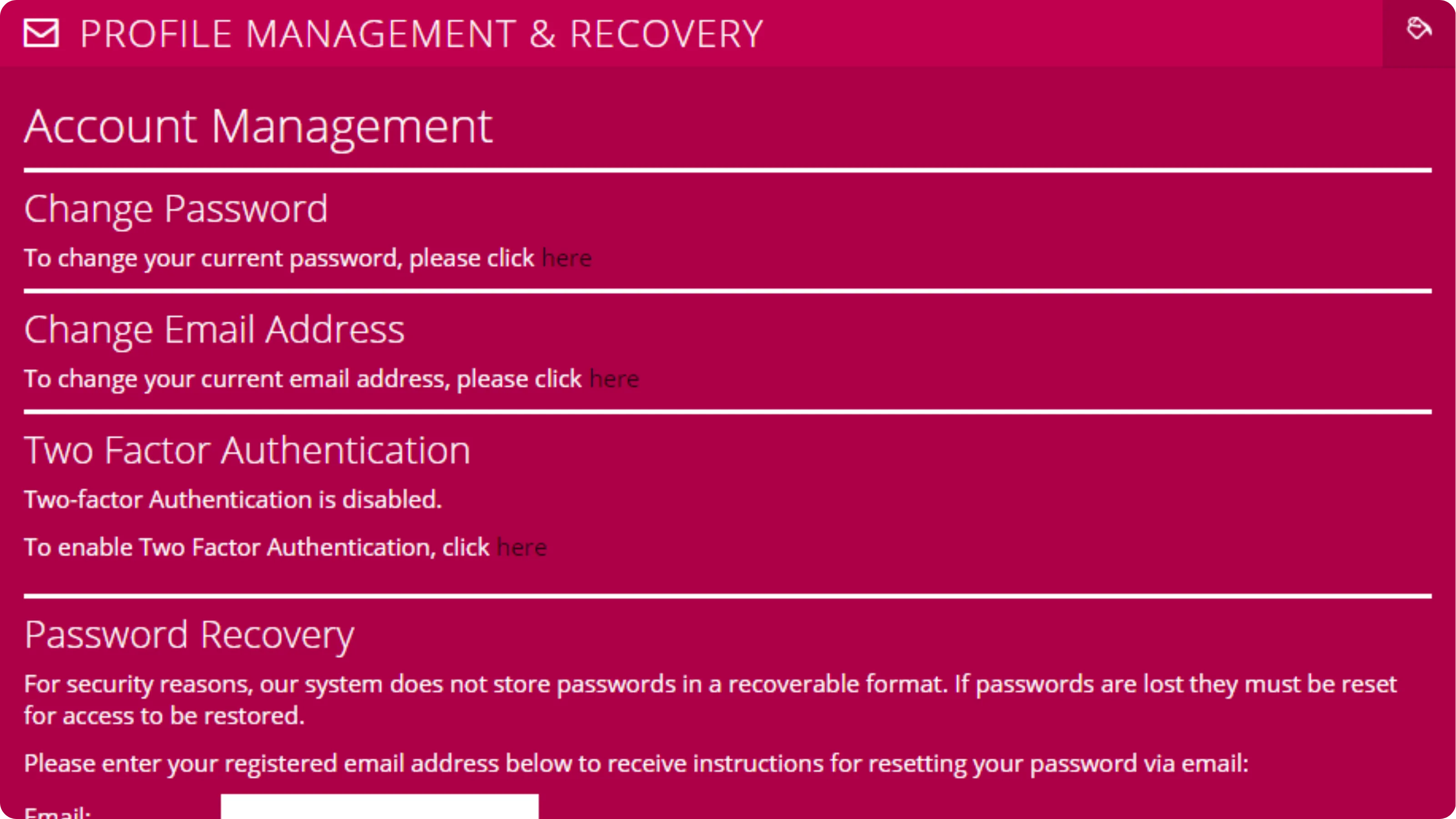
Two-factor authentication with Google Authenticator is now available on your account, adding an extra layer of security when you log in.
Set it up under My Settings > Profile Management and Recovery.
Header Time Format and Zone
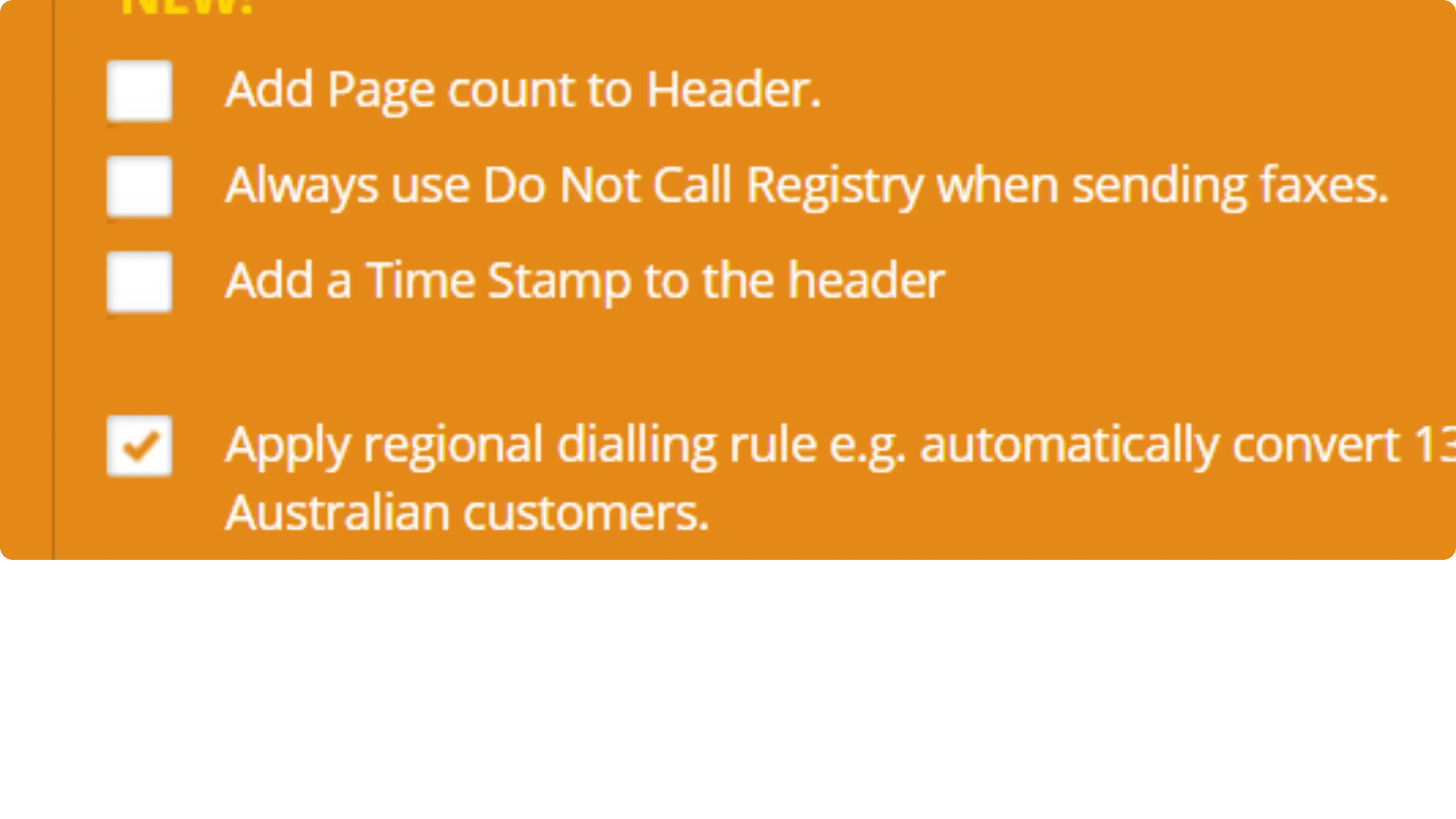
We're updating fax header details to align with industry standards. If you have selected the option to include a time stamp in the header of your fax pages, the time will be displayed in UTC. Your account settings will continue to use your selected time zone.
System Notifications Email (Beta Version)
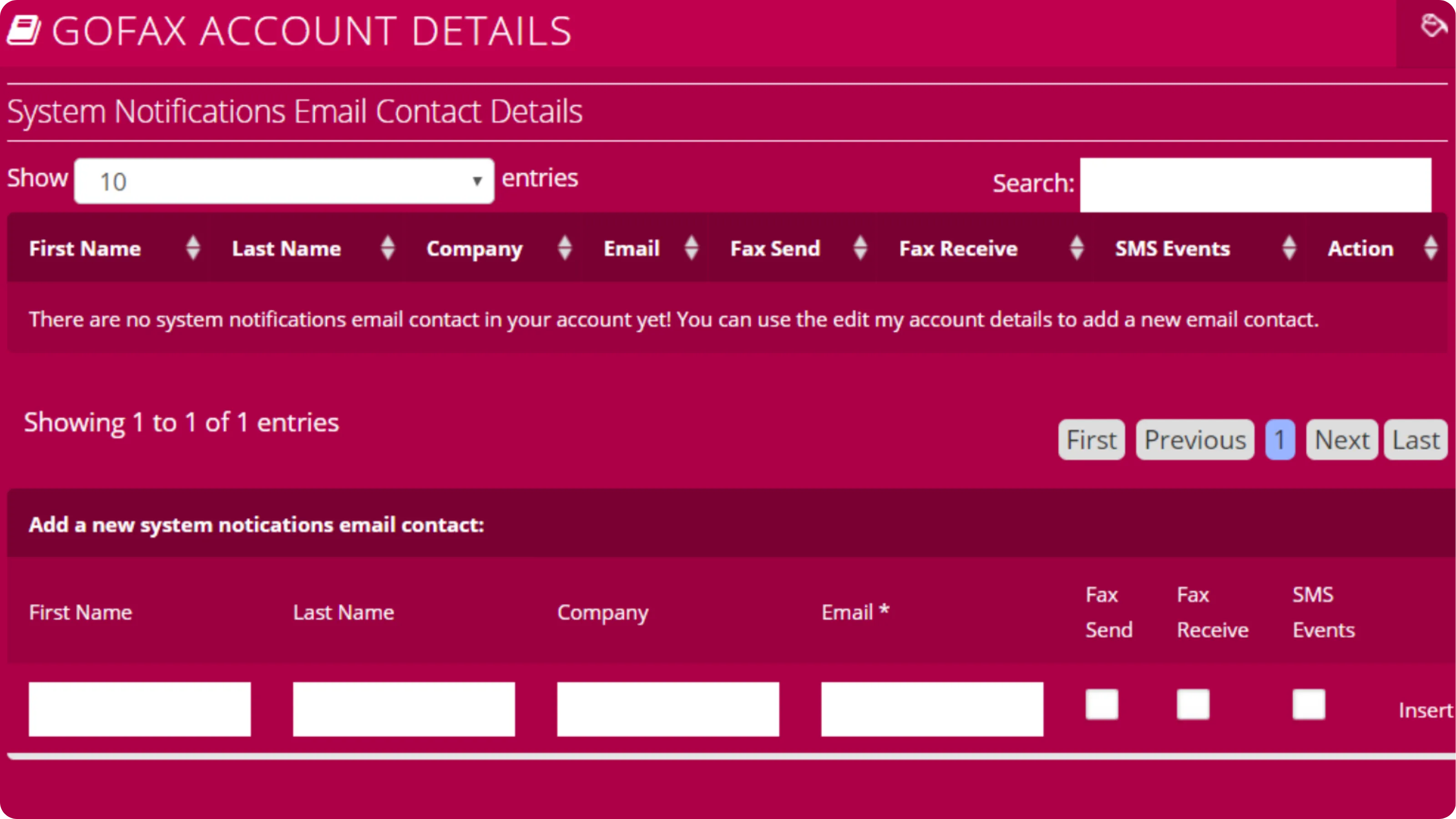
Set up system update alerts by adding the contact details of the users you'd like notified on your account.
Go to My Account > Account Details > Edit My System Notification Contacts.
Need Help Getting Set Up?
If you'd like more information on how to set up and use the new features for your GoFax account, get in contact with our friendly support team on 1300 928 872.